
AI Agent vs. Copilot vs. Plain Automation: Which One Do You Need?
Choosing the wrong one can leave you paying for AI to do a job a simple workflow would handle more reliably. Start with the process, not the technology.

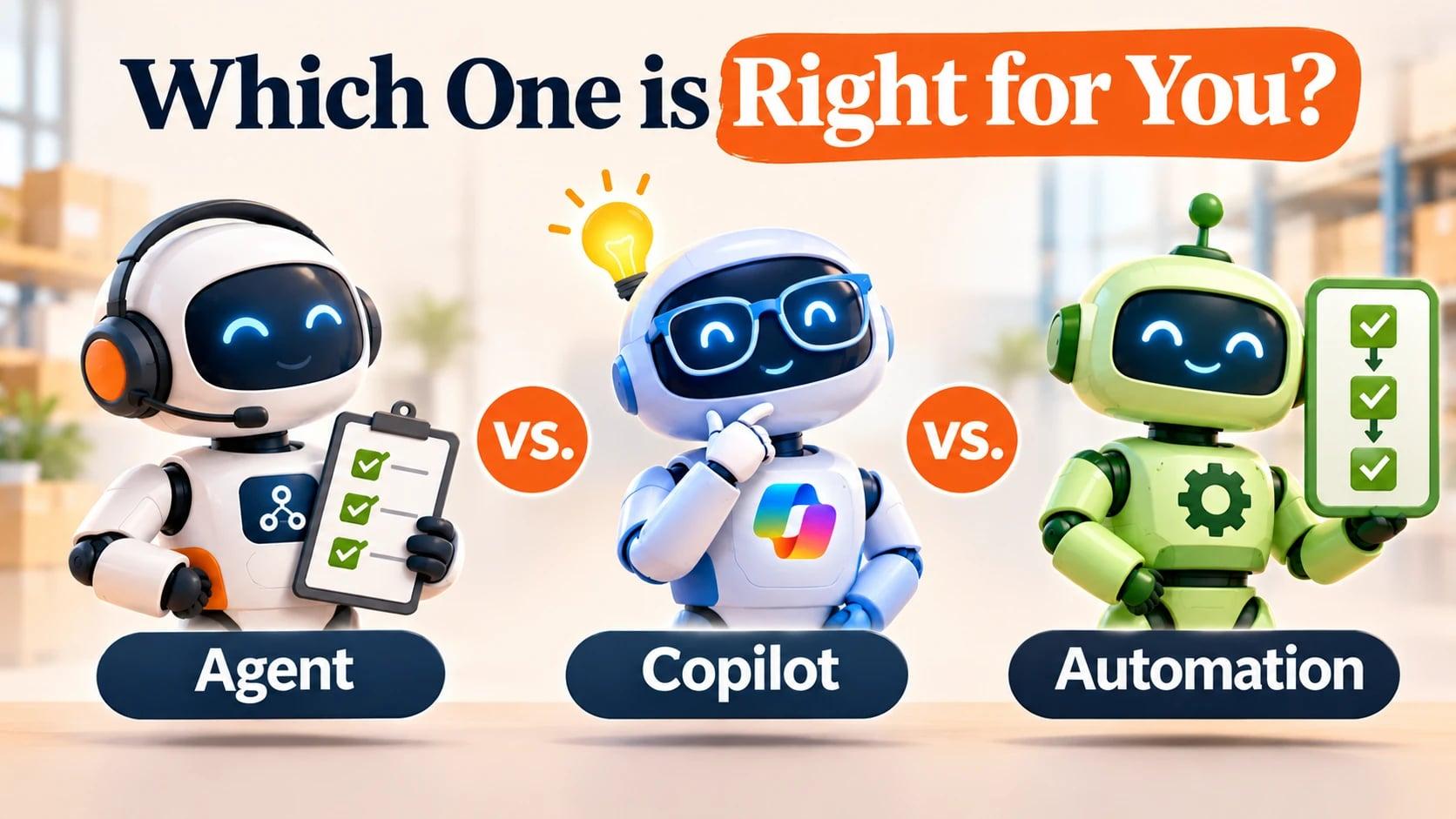
Your team has identified five processes it wants to automate in Microsoft Dynamics 365 Business Central. Someone suggests Copilot. Someone else recommends AI agents. As the manager of the team, you think everything should go into Power Automate.
All three approaches may be useful, but they deliver different results. Choosing the wrong one can leave you paying for AI to perform a task that a simple workflow could handle more reliably.
If you are comparing Copilot and AI agents in Business Central, start with the process, not the technology.
Three words used to mean the same thing, which do not
Automation follows predefined rules
A workflow might send a purchase invoice for approval when its value exceeds a specified amount. The conditions are established in advance, and the system follows them.
Business Central includes workflows and approval capabilities. Power Automate can extend automation across supported applications and services.
Copilot provides AI assistance to a user
Copilot can help generate, summarize, suggest or interpret information through supported Business Central features. The user remains responsible for reviewing the result and deciding what happens next.
An AI agent carries out a sequence of tasks
An agent can carry out a defined sequence of tasks toward an objective, using the information, tools and permissions available to it.
Microsoft's Sales Order Agent, for example, is designed to assist with processing supported customer order requests. Its capabilities and review requirements depend on the feature and its configuration.
An agent is appropriate when a process requires interpreting variable information and deciding what action to attempt next.
The comparison that actually matters
The useful comparison is not which technology sounds more sophisticated. It is how much judgment the process requires and how predictable its inputs are.
| Consideration | Plain automation | Copilot assistance | AI agent |
|---|---|---|---|
| Primary purpose | Execute defined rules | Help a person complete work | Perform a sequence of tasks |
| Best inputs | Structured, predictable | Information needing interpretation | Variable information and requests |
| Decision-making | Explicit conditions | User-directed | Bounded AI-driven decisions |
| Human involvement | Exceptions and approvals | Usually direct interaction | Review and escalation as configured |
| Main risk | Incorrect or incomplete rules | Incorrect AI suggestions | Incorrect interpretation or actions |
Note: These are general architectural distinctions, not guarantees about every Microsoft feature.
What matters is whether the process needs AI interpretation, human assistance or simply consistent execution.
When a deterministic workflow beats an agent
Suppose your purchasing policy requires manager approval for purchase orders above $10,000.
The amount is known and the approval condition is defined. You do not need an AI agent to decide whether the order requires approval. You need a reliable workflow.
The same principle applies to sending notifications, routing documents, updating records based on known conditions and triggering recurring processes. Business Central workflows and Power Automate can handle many of these requirements.
A deterministic process has an important advantage: its behaviour can be tested against explicit rules. If an order meets a condition, the expected action is known.
An agent introduces additional complexity because it must interpret instructions or select actions. If you can describe the process as a clear set of conditions and actions, start with conventional automation.
Do not introduce AI simply because it is available.
When Copilot assistance is enough
- A salesperson wants help drafting a product description.
- A finance employee wants assistance understanding a set of records.
- A user wants a starting point for analysis rather than manually searching through information.
In all three scenarios, Copilot-style assistance can be useful, provided the required capability is supported in your Business Central environment.
With Copilot, the user remains involved. They review the output, make corrections and decide whether to use it. That is often preferable when the work is difficult to validate automatically.
Copilot assistance earns its place when it reduces effort without requiring a new autonomous process.
When an agent genuinely earns its keep
An agent becomes worth considering when a process involves multiple steps, variable inputs and repeated decisions within a defined scope.
Consider a distributor receiving hundreds of customer purchase orders by email. Employees must read the requests, identify customers, match customer part numbers to inventory items, check quantities and prepare sales orders. The documents are not identical: some arrive as PDFs, others use different descriptions or layouts.
A fixed workflow may struggle with that variation. An agent can interpret supported requests, use available Business Central information and prepare work for review.
But the agent still needs boundaries. It should not independently approve unusual pricing, override credit restrictions or make commitments that require commercial authorization.
An agent earns its keep when interpreting variable information is a substantial part of the work, and its actions can be controlled and verified.
The decision tree, in simple terms
Work through this sequence before choosing a technology.
1. Does the process follow predictable rules?
If the inputs are structured and the required actions can be described through explicit conditions, use conventional automation. There is no reason to introduce AI when a workflow can reliably perform the task.
2. Does a person need assistance, or does the work need to be performed?
If a person needs help drafting, summarizing or understanding information, evaluate Copilot. Keep the employee responsible for the final decision.
3. Does the process require repeated interpretation and multiple actions?
If the work involves variable documents, customer requests or exceptions, an agent may be appropriate. Only proceed if the necessary information is accessible and the agent's actions can be restricted.
4. What are the volume and financial impact?
A task performed five times a month may not justify developing an agent. A task performed 2,000 times a month deserves closer examination.
Those are examples, not fixed thresholds. Calculate handling time, error rates, correction costs and the potential savings from each approach.
The counter-argument
There is a reasonable argument for adopting agents early.
AI capabilities are developing quickly. Organizations that begin experimenting now can gain experience with the technology, identify suitable processes and prepare their teams for broader adoption. Waiting until every capability is mature may mean missing opportunities to improve operations.
But experimentation and production deployment are different decisions.
A controlled pilot can help you understand how an agent behaves without giving it authority over critical transactions. The mistake is treating every successful demonstration as proof that the process is ready for automation, because:
- Business Central data may be incomplete.
- Customer records may be inconsistent.
- Approval policies may not be documented.
An agent does not eliminate those weaknesses. It can make them more consequential.
There is also a strong argument for keeping certain decisions with employees, even when AI could technically assist. Customer negotiations, unusual financial transactions and sensitive exceptions often require accountability beyond what an automated system should provide.
Here's what matters
Before investing in Copilot, an AI agent or another automation platform, identify the process you want to improve. Document its inputs, decisions, exceptions, transaction volumes and current operating costs. Then choose the simplest approach that can perform the work reliably.
In summary: use deterministic automation for predictable rules. Use Copilot when employees need assistance. Use agents when repetitive, multi-step work genuinely requires interpreting variable information and acting within controlled boundaries.
Qixas Group helps organizations implement and optimize Microsoft Dynamics 365 Business Central, Power Automate, Power Apps, Microsoft Copilot and related business applications.
Our recommendation is straightforward: start with the business problem, and choose the technology afterward.
About the Author

Floyd Chan
President & Founder, Qixas Group
Floyd founded Qixas in 2007 after years of watching ERP projects fail for the same preventable reasons — junior staffing, slipping timelines, ballooning budgets. A Microsoft MVP and winner of the 2018 Directions Excellence Award, he is known across the Dynamics community as “the NAV genius.” He has been involved in more than 400 implementations and still reviews the hard ones personally.
- Microsoft MVP
- Dynamics NAV & Business Central
- ERP Upgrades
- Project Rescue
Frequently asked questions
What is the difference between Copilot and an AI agent in Business Central?
Copilot assists a user: it helps generate, summarize, suggest or interpret information, and the user reviews the result and decides what happens next. An AI agent carries out a defined sequence of tasks toward an objective using the information, tools and permissions available to it, with review and escalation as configured.
When should I use Power Automate or a Business Central workflow instead of AI?
Use conventional automation whenever the inputs are structured and the process can be described as explicit conditions and actions, such as routing a purchase order above a set amount for approval. Deterministic workflows can be tested against clear rules, so they are more reliable than AI for this kind of work.
When is an AI agent worth it?
An agent is worth considering when a process involves multiple steps, variable inputs and repeated decisions within a defined scope, such as turning hundreds of differently formatted emailed purchase orders into sales orders. It also needs enough volume to justify the effort, accessible data and actions that can be restricted and reviewed.
Should we start experimenting with AI agents now?
A controlled pilot is a reasonable way to learn how an agent behaves, as long as it has no authority over critical transactions. Treat experimentation and production deployment as separate decisions, and fix incomplete data, inconsistent customer records and undocumented approval policies first, because an agent makes those weaknesses more consequential.
Read next

The Sales Order Agent for Distributors: When Customer POs Arrive in Six Different Ways
How distributors should evaluate the Business Central Sales Order Agent: which order channels it helps with, why customer item references decide its accuracy, what still needs human review, and how to run a three-week pilot.
Read more
Business Central 2026 Release Wave 1: AI Trends for Growing Businesses
The 2026 Release Wave 1 for Dynamics 365 Business Central introduces deeper AI, automation, and integration—signaling a shift from system of record to system of action. Here's what it means for your ERP strategy.
Read more
Business Central 2026 Release Wave 1: A Feature-by-Feature Guide
A feature-by-feature guide to Dynamics 365 Business Central 2026 Release Wave 1 (April–September 2026): autonomous agents, e-documents, developer tools, governance, performance, and more.
Read moreNot sure which approach fits your process?
We will map the processes you want to automate and tell you which ones need a workflow, which ones Copilot can help with and where an agent would actually pay for itself.
Book a Discovery Session