
Turn Manual Workflows Into Mobile Apps.
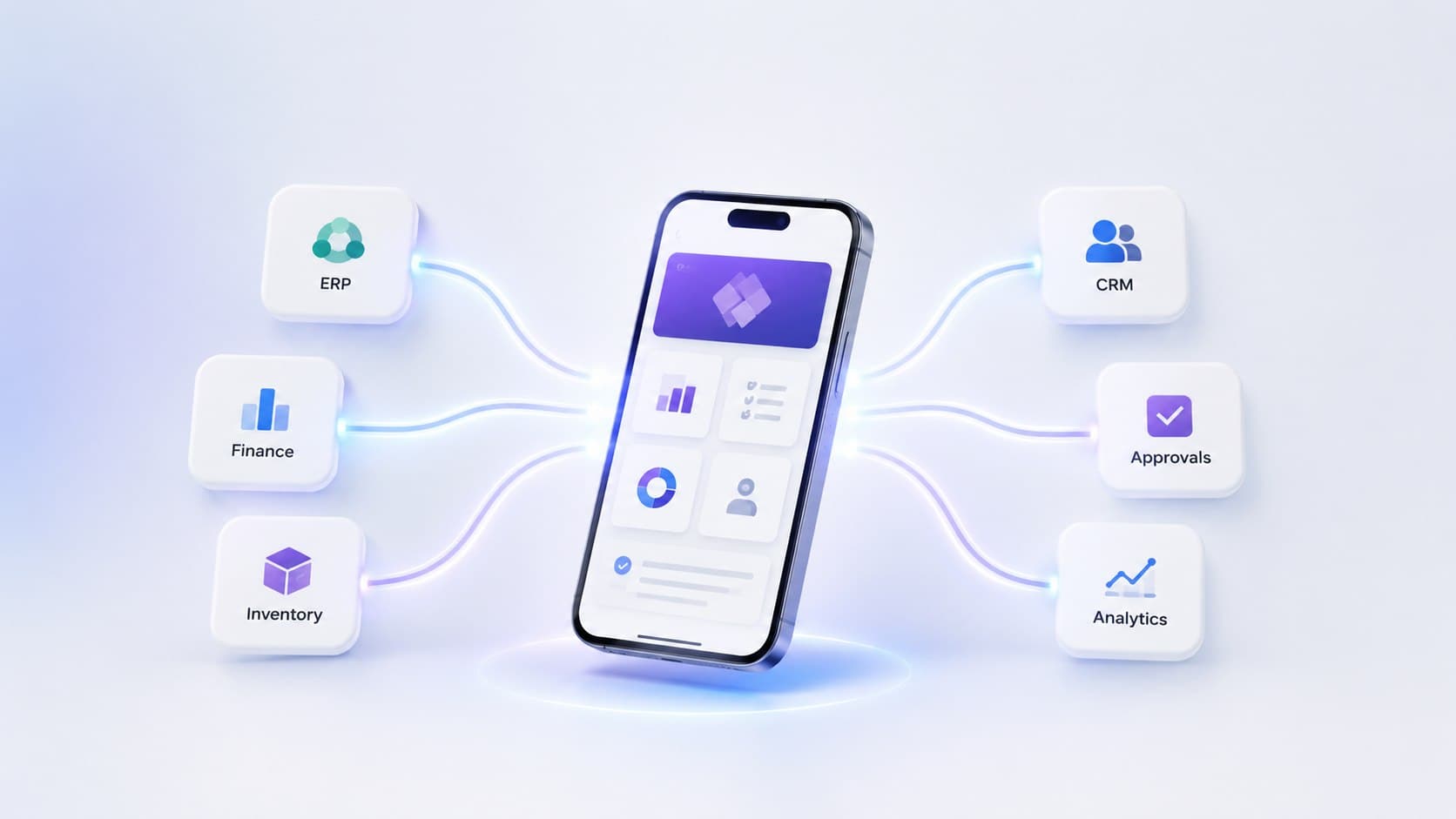
Approvals stuck in email. Inventory counts on paper. Inspections in spreadsheets. Qixas builds production-grade Power Apps that connect to Business Central and put the right tools in your team's hands — on any device.
33M+
Power Apps built worldwide
25M+
Monthly active users
1,000+
Pre-built connectors
Microsoft
Solutions Partner
Sound familiar?
Sound Familiar?
Your team has workarounds for everything — but those workarounds are costing you more than you think.
Critical processes live in spreadsheets
Approval workflows, inventory counts, and compliance checklists exist in Excel files scattered across shared drives. No audit trail, no real-time visibility, no accountability.
Paper forms consume hours every day
Field inspections, purchase requests, and onboarding checklists are still on paper. Someone re-keys the data into the system — if they remember.
Building a 'real' app seems too expensive
Traditional custom development quotes come back at six figures and six months. So the spreadsheet workaround lives on, and the inefficiency compounds.
Citizen-developed apps are becoming a risk
Well-meaning power users built apps with no security governance, no documentation, and no backup plan. When they leave, the apps become orphans.
The platform
What Is Microsoft Power Apps?
Power Apps is Microsoft's low-code application platform that lets you build custom business applications without traditional software development. With drag-and-drop design, pre-built connectors to hundreds of data sources, and native integration with Dataverse and the Microsoft 365 ecosystem, Power Apps turns your business requirements into working applications in weeks instead of months — and at a fraction of traditional development costs.
Mobile-First Apps
Build apps that work on phones, tablets, and desktops. Give your field teams, warehouse staff, and remote workers access to business data from anywhere, with or without internet connectivity.
Low-Code Development
Drag-and-drop app builder with visual formulas and no programming required. Power users can maintain simple apps; Qixas provides professional development for complex scenarios and enterprise requirements.
Dataverse Backend
Enterprise-grade data storage with built-in security, business rules, and relationships. Your app data lives alongside your Dynamics 365 data in a unified, governed platform.
Process Automation
Connect Power Apps to Power Automate to trigger workflows, send notifications, update records, and orchestrate multi-step processes across systems — all without code.
400+ Connectors
Out-of-the-box connectors to SharePoint, SQL Server, Dynamics 365, Salesforce, SAP, and hundreds of other systems. Most integrations require no custom code.
Enterprise Security
Role-based access control, data loss prevention policies, and compliance certifications. Built on the same Azure infrastructure as Microsoft 365 and Dynamics 365.
Core capabilities
Power Apps Use Cases We Deliver
From simple mobile forms to complex multi-entity applications — we start with your highest-pain process and expand from there.
Approval Workflows
Eliminate approval bottlenecks by routing purchase orders, expense reports, time-off requests, and other documents through structured workflow processes. Track approvals in real time, enforce business rules, and ensure nothing falls through the cracks.
Outcomes
Results That Justify the Investment
Power Apps projects pay for themselves fast — here's what Qixas clients typically see.
Less manual data entry
Barcode scanning, auto-sync, and form pre-fill replace re-keying
Time to first working app
Functional prototype in week one, production app in weeks
Lower cost vs. custom dev
Low-code means faster builds and easier maintenance
Audit trail coverage
Every approval, every change, every signature — tracked
Why Qixas
Why Most Power Apps Projects Fail — And How We Fix That
Low-code platforms have democratized app development, but that's also created risk. We've seen organizations build dozens of isolated Power Apps that don't talk to each other, have no data governance, create security gaps, and become orphaned when their creator leaves. Qixas applies enterprise architecture and delivery discipline to Power Platform development.

Data governance and security by design: role-based access, field-level permissions, and audit logging from day one
Enterprise architecture: Dataverse modeling, API design, and integration patterns that support your entire platform strategy
Business Central integration expertise: native connectors, OData APIs, and best practices for multi-system workflows
Production operations: monitoring, error handling, disaster recovery, and support plans that keep apps running reliably
Knowledge transfer and enablement: documentation, training, and Center of Excellence setup so your team can maintain and extend apps
Security and compliance: DLP policies, encrypted data at rest and in transit, and regular penetration testing for sensitive apps
Client stories
What Our Clients Say

6wk
From idea to production
We had purchase approvals buried in email and inventory counts on clipboards. Qixas built us two Power Apps in six weeks — both connected to Business Central, both on our warehouse team's phones. Data entry errors dropped immediately.
Operations Director
Mid-market distribution company, Ontario
Have a manual process that's driving your team crazy?
Explore more
Related Services
FAQ
Frequently Asked Questions, Answered
Can Power Apps connect to our Business Central data in real time?
Is Power Apps included in our Microsoft 365 licenses?
How long does a typical Power App project take?
Can our team maintain and update Power Apps after you build them?
What about security and data governance in Power Apps?
Transform Your Manual Processes Into Intelligent Apps
Whether you need to streamline approvals, digitize field operations, or give customers self-service portals, Power Apps can solve it faster and cheaper than traditional development. Tell us about your most painful manual process.