
Q
Qixas Insights
Sponsored insight · 2h
Why mid-market manufacturers are migrating off legacy ERPs
The hidden cost of staying on NAV past 2026 — and what a phased BC move actually looks like.
Practical guidance on Business Central implementation, migration, performance tuning, and ERP strategy from the Qixas team.
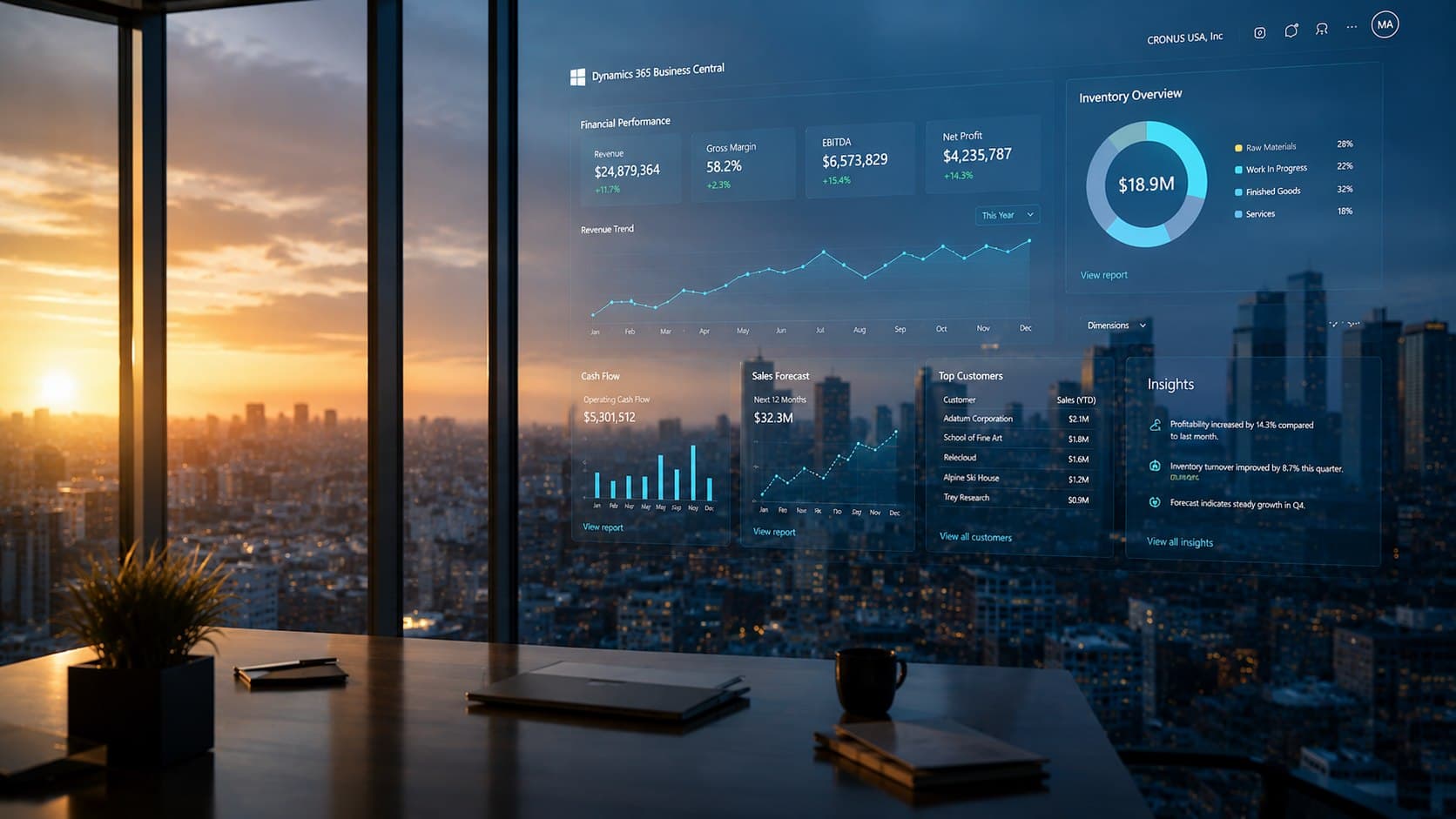
A feature-by-feature guide to Dynamics 365 Business Central 2026 Release Wave 1 (April–September 2026): autonomous agents, e-documents, developer tools, governance, performance, and more.
 Shawna Sharma · 6 min read
Specialty retail margin erodes from directions most owners never see. A guide to protecting working capital across inventory, distribution, POS, and fraud.
 Floyd Chan · 5 min read
A practical playbook for specialty retailers: contain costs across inventory, distribution, POS, and loss prevention with Dynamics 365 and LS Central.
Floyd Chan · 6 min read
Why moving from Dynamics NAV to Business Central is a finance and governance initiative—not just IT—and the three costliest modernization mistakes CFOs and controllers must avoid.
Floyd Chan · 6 min read
How modern ERP and hospitality management solutions help hotel groups centralize finance, inventory, and guest experience across multiple properties for real-time operational visibility.
 Nick Detmer · 3 min read
A modern POS system has evolved far beyond processing transactions—it's the operational backbone of retail. Here's why the right POS platform directly impacts profitability, scalability, and customer experience.
Nick Detmer · 3 min read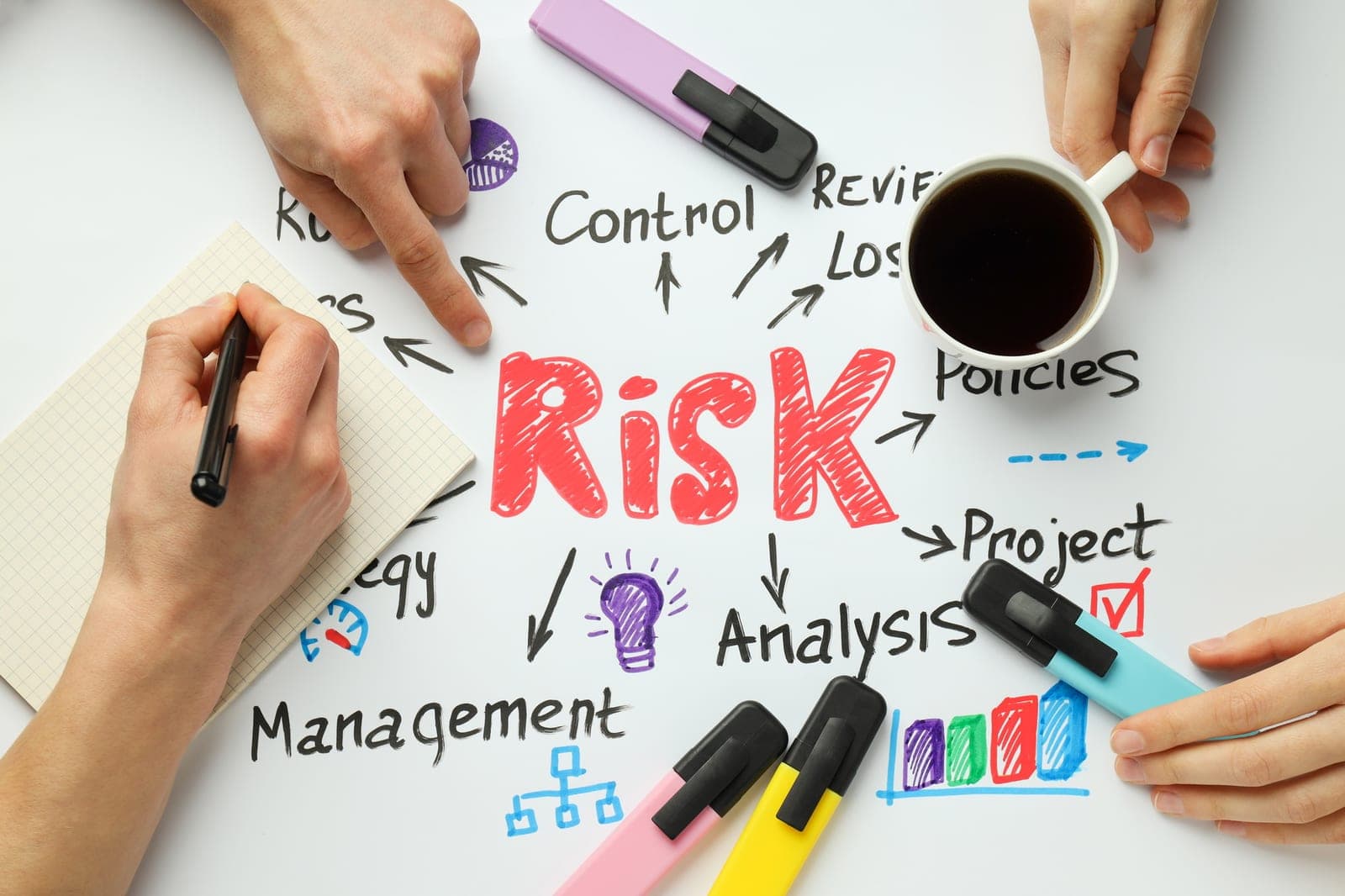
The top reasons ERP implementations fail and practical strategies to avoid common pitfalls. Based on 20+ years of Dynamics 365 implementation experience.
Floyd Chan · 3 min read
Discover the hidden costs of Dynamics 365 Business Central that partners won't tell you about. Learn about licensing, customization, data migration, and ongoing costs to budget accurately.
Nick Detmer · 3 min read
Step-by-step guide to migrating from Dynamics NAV or on-premise Business Central to Business Central Online. Covers planning, data migration, testing, and go-live.
Floyd Chan · 3 min read
At Qixas Group, as a Microsoft Gold partner, we're privileged to work with an array of Independent Software Vendors (ISVs) that enrich Microsoft Dynamics...
Shawna Sharma · 3 min read
Learn how to connect Microsoft Dynamics CRM to Power BI for advanced data analysis and reporting. Step-by-step integration guide.
Floyd Chan · 1 min read
The 2026 Release Wave 1 for Dynamics 365 Business Central introduces deeper AI, automation, and integration—signaling a shift from system of record to system of action. Here's what it means for your ERP strategy.
Shawna Sharma · 3 min read
Practical techniques to improve Dynamics NAV SQL Server performance. Covers indexing, query optimization, and SQL Perform tools for immediate results.
Floyd Chan · 2 min read
Inventory is both a retailer's biggest asset and biggest risk. See how modern ERP solutions like LS Retail eliminate stockouts, dead inventory, and manual errors with real-time visibility and automation.
Nick Detmer · 2 min read
Why upgrading from Dynamics NAV to Business Central is essential for your business. Compare upgrade paths, timeline, and benefits of modernizing your ERP.
Floyd Chan · 3 min read
Enterprise resource planning (ERP) projects may well be the key to your growing business. From Microsoft Dynamics 365 Business Central and beyond, these...
Nick Detmer · 2 min read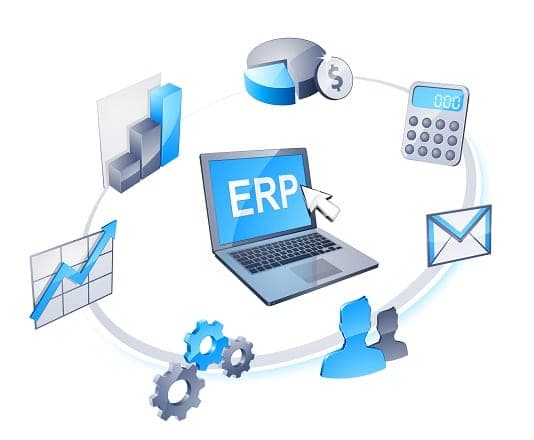
Technical guide to understanding default dimensions and priority in Dynamics NAV. Learn how dimension priority works and how to configure it correctly.
Floyd Chan · 4 min read
Meet Floyd Chan, This year's winner of The Microsoft Directions Excellence Award The Microsoft Directions Excellence Award recognizes like-minded leaders...
Shawna Sharma · 1 min read
Strategies for a successful ERP Implementation Organizations that have issues with their ERP share one common problem: unsuccessful implementation of the...
Nick Detmer · 2 min read
Choosing the right ERP partner is just as critical as choosing the software. Five things to consider—from industry expertise and cultural fit to implementation methodology and long-term support.
Nick Detmer · 3 min read
Guests expect seamless, personalized experiences at every stage of their stay. See how integrated modern POS systems help hotels connect guest services, operations, and data into one unified platform.
Nick Detmer · 3 min read